Generative AI tools have moved beyond simple text generation. In 2026, people are using AI to write and research content, generate images and videos, build software, analyse information, create presentations, learn new skills, and automate multi-step workflows. The biggest change is the shift from AI that simply responds to prompts toward AI systems that can work with multiple types of information and assist with longer workflows.
For students, marketers, designers, developers, educators, and business owners, learning how to choose and use these tools has become an important digital skill. The goal is not to use AI for everything. Instead, the right approach is to combine AI speed with human judgment, creativity, technical knowledge, and fact-checking.
What Are Generative AI Tools and Why Are They Important?
Generative AI tools are software applications that can create or transform content based on instructions. Depending on the platform, that content can include text, images, video, audio, presentations, designs, code, or structured information.
How Generative AI Tools Improve Productivity
One of the biggest advantages of generative AI is reducing repetitive work.
A marketer can use AI to generate content ideas and first drafts. A designer can explore multiple visual concepts before refining one. A developer can use AI to generate code suggestions or documentation. A student can use AI to create practice questions and explain difficult concepts.
However, productivity does not simply mean producing more content. The better goal is to reduce low-value tasks and spend more time on decisions that require human expertise.
The Rise of AI-Powered Workflows
The next stage of AI is increasingly workflow-oriented.
Instead of asking an AI system one question at a time, users can provide context and ask it to help complete several connected tasks. This is sometimes described as an agentic workflow.
For example, a marketing workflow could involve:
Research → Ideas → Content draft → Visual concepts → Editing → Content variations
Similarly, a development workflow could involve:
Requirement → Code generation → Testing → Debugging → Documentation
This makes workflow design an important skill alongside prompt writing.
Choosing the Right AI Tool for Your Goals
There is no single AI platform that is perfect for every task.
Before selecting a tool, consider:
- What type of output do you need?
- Does the tool support text, image, video, audio, or code?
- How much control do you need?
- Can it work with your existing files?
- Does it support collaboration?
- What are its privacy and commercial-use terms?
- Does it integrate with your existing workflow?
Choosing based on the task is more useful than choosing a tool simply because it is popular.
Best Generative AI Tools for Content Creation
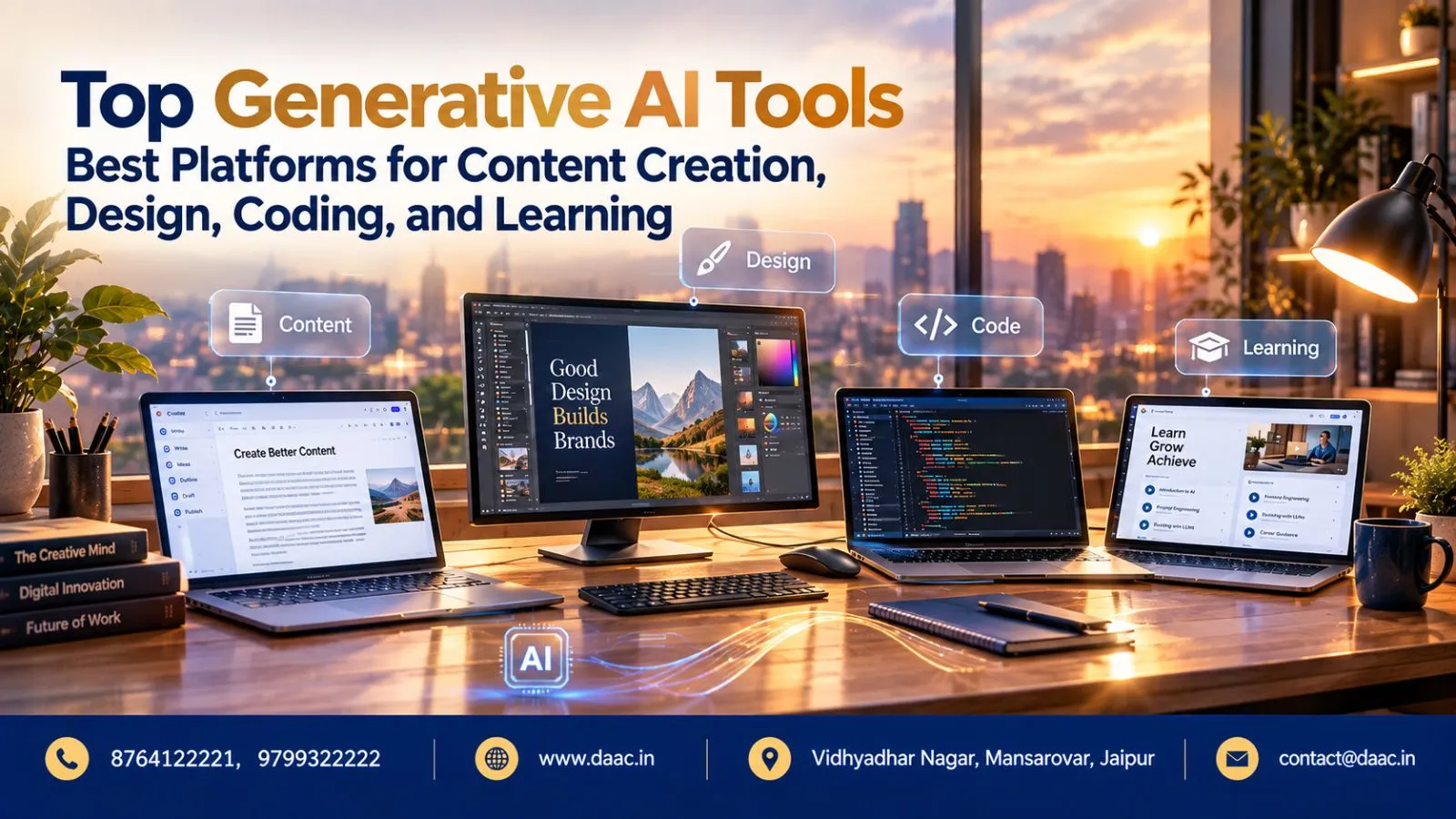
Content creation is one of the most common generative AI applications. Modern AI platforms can help with brainstorming, outlines, rewriting, summarisation, research assistance, content variations, and structured drafts.
AI Writing Assistants for Blogs and Marketing
AI writing assistants can help create first drafts for:
- Blog posts
- Product descriptions
- Social media content
- Email campaigns
- Ad copy
- Video scripts
- Website copy
- Marketing ideas
However, AI-generated content still needs human review. Facts, statistics, brand claims, tone, and search intent should be checked before publishing.
A useful workflow is:
AI generates → human verifies → expert improves → editor finalises
This approach can improve speed without turning your content into generic AI copy.
Tools for Research, Summaries, and Idea Generation
Generative AI is also useful before writing begins.
You can use AI to organise research questions, summarise large amounts of information, identify different perspectives, create content briefs, and generate potential headlines.
For students, AI can turn a difficult topic into a structured learning plan. For professionals, it can help convert meeting notes or long documents into action points.
The important distinction is that AI should support research rather than automatically become the final source of truth.
Creating High-Quality Content Faster with AI
The strongest AI content workflows usually combine several stages.
For example:
- Define the audience.
- Identify the search or business intent.
- Create a content outline.
- Generate a rough draft.
- Add original insights and examples.
- Verify important claims.
- Improve readability.
- Optimise the final content for users and search.
This makes AI a productivity layer rather than a replacement for expertise.
Top AI Design and Image Generation Platforms
Visual generation has changed significantly in 2026. AI design platforms now extend beyond simple text-to-image generation and increasingly support editing, video, audio, templates, branding, and multi-step creative workflows.
Adobe Firefly and AI-Powered Creativity
Adobe generative AI has expanded into a broader creative workflow. Current Firefly capabilities include image and video generation, editing, audio-related generation, custom models, and AI-assisted creative workflows.
A major 2026 development is the move toward conversational creative workflows. Firefly’s AI Assistant can interpret a creative request and coordinate multiple creative capabilities rather than requiring every action to be performed manually.
Recent updates also introduced capabilities for music, speech, and sound effects, showing how generative AI is moving toward multi-format creative production.
For designers, the important lesson is simple: knowing how to direct and refine AI output can be as important as knowing how to generate an initial concept.
Text-to-Image AI Tools for Designers
Text-to-image platforms can help designers explore:
- Product concepts
- Mood boards
- Advertising visuals
- Backgrounds
- Character concepts
- Social media graphics
- Website illustrations
- Presentation visuals
The professional workflow should not stop at the generated image.
Designers still need to consider composition, typography, brand consistency, accessibility, image quality, licensing, and the final purpose of the asset.
AI Solutions for Branding and Visual Content
Generative AI can speed up early-stage branding work by producing multiple directions for logos, colour systems, visual styles, social assets, and campaign concepts.
Some modern creative AI workflows can also maintain reusable elements and brand-related context across projects. This can reduce repetitive work when producing multiple versions of the same campaign.
For businesses, this means AI can help create more content variations without requiring every asset to be designed completely from scratch.
Generative AI Tools for Coding and Software Development
Coding is another major area where generative AI has become part of professional workflows.
AI Coding Assistants and Code Generation
AI coding assistants can help developers:
- Generate code
- Explain unfamiliar code
- Suggest functions
- Create tests
- Refactor code
- Write documentation
- Find potential errors
- Work with APIs
- Understand large codebases
Modern coding assistants are also moving toward agent-based development, where AI can work across files, development environments, repositories, and command-line workflows.
This means developers increasingly need to know how to review and direct AI-generated code, not simply generate it.
Using AI for Debugging and Documentation
Debugging is another practical generative AI use case.
A developer can provide an error message, relevant code, expected behaviour, and actual behaviour. AI can then suggest possible causes and fixes.
AI can also help turn technical code into:
- README files
- API documentation
- Function explanations
- Comments
- Test cases
- Project summaries
But generated code should always be reviewed and tested. An AI suggestion can look correct while still creating security, performance, compatibility, or logic problems.
How Developers Can Boost Efficiency with AI
A productive AI coding workflow can look like this:
Plan → Ask AI → Review → Test → Refine → Document
The developer remains responsible for architecture, security, quality, and final decisions.
Current developer platforms are also supporting multiple AI models and agent-based workflows, reflecting how software development is moving from isolated code suggestions toward broader AI-assisted development environments.
How Students and Professionals Can Learn Generative AI Through Practical Tools
Learning examples of generative AI is more effective when learners actually build something with the technology.
Beginner-Friendly AI Platforms
Beginners can start with tools that support familiar tasks such as:
- Text generation
- Research assistance
- Image creation
- Presentation creation
- Coding assistance
- Data organisation
- Learning support
The platform itself is only one part of the learning process. Beginners should learn prompting, context management, verification, privacy awareness, and responsible AI use.
Building Real-World Projects Using AI Tools
Projects turn theoretical knowledge into practical skills.
A beginner could create:
Project 1: AI-assisted blog content workflow
Project 2: AI-generated brand concept
Project 3: Website landing page with AI-assisted copy
Project 4: Small application using AI-generated code
Project 5: AI-powered study assistant
Project 6: Social media content workflow for a fictional business
These projects can become portfolio pieces and demonstrate that you know how to apply AI rather than simply describe it.
Skills to Develop Alongside AI Technology
AI tools change quickly, so learning one platform is not enough.
Students and professionals should develop:
- Prompt engineering
- Critical thinking
- Digital research
- Content editing
- UI/UX fundamentals
- Coding fundamentals
- Data literacy
- Cybersecurity awareness
- AI ethics
- Communication skills
- Workflow automation
- Domain expertise
Recent education-focused AI developments are also moving toward more personalised and context-aware learning. Current AI learning systems are increasingly designed to support students and educators through guidance, practice, feedback, and multi-step assistance.
Generative AI Examples Across Different Industries
The applications of generative AI are no longer limited to content creation.
Here are practical generative AI examples across industries:
| Industry | Example Use Case |
|---|---|
| Education | Personalised explanations and practice |
| Marketing | Campaign ideas and content variations |
| Web Development | Code generation and debugging |
| Design | Visual concepts and image generation |
| E-commerce | Product descriptions and creative assets |
| Customer Service | Response drafting and knowledge assistance |
| Software | Documentation and testing support |
| Media | Script, image, audio, and video production |
| Business | Research summaries and workflow assistance |
| Training | AI-assisted learning materials |
The important point is that generative AI applications work best when connected to a specific business, learning, or creative objective.
How to Use Generative AI Responsibly
More AI capability also means greater responsibility.
Before using AI-generated output, check:
- Is the information accurate?
- Does it contain sensitive information?
- Are there copyright or licensing concerns?
- Is the generated content biased or misleading?
- Does the output meet the project’s quality requirements?
- Has a human reviewed the final result?
For students especially, AI should support learning rather than replace it. Using AI to understand a difficult concept, practise a skill, or receive feedback can be more valuable than simply asking it to complete an assignment.
Final Thoughts on Generative AI Tools in 2026
The most important development in generative AI tools is not simply that AI can generate more content. It is becoming better at helping people move from an idea to a complete workflow.
Content creators can use AI for research and production. Designers can combine generation with professional editing. Developers can use AI for coding, testing, and documentation. Students can use it for personalised practice and learning support.
The future advantage will come from knowing when to use AI, how to guide it, and how to evaluate its output.
For students and professionals, the best approach is to learn the fundamentals first and then use generative AI to accelerate practical work. AI tools will continue to change, but the ability to think critically, solve problems, communicate clearly, and apply technology to real-world situations will remain valuable.