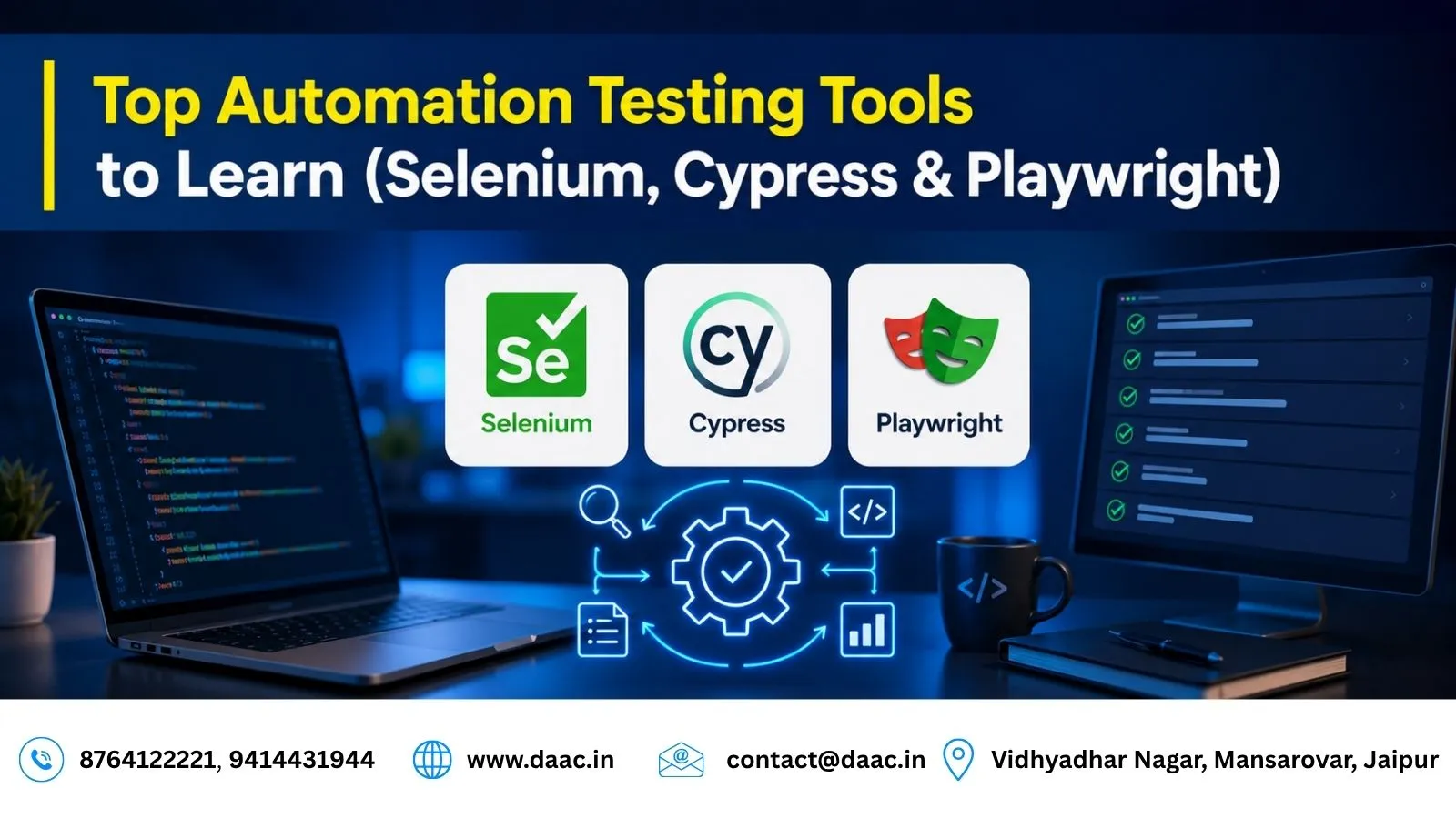
Automation testing has become an important part of modern software development because it helps teams verify application quality, reduce repetitive manual work, and identify defects earlier. Learning the right Automation Testing Tools can help beginners and experienced testers build practical skills for modern quality assurance workflows. Among the most widely used options are Selenium, Cypress, and Playwright, each offering different capabilities for browser automation and end-to-end testing.
Choosing a tool depends on the application, programming language, browser requirements, testing strategy, and team workflow. Understanding these differences helps learners select suitable tools and build a foundation for software testing careers.
1. Understanding Automation Testing Tools
What Is Automation Testing?
Automation testing uses scripts and testing frameworks to execute predefined test cases, compare actual results with expected outcomes, and report defects. It is particularly useful for repetitive tasks such as regression testing, form validation, login checks, and cross-browser verification.
Unlike manual testing, automated tests can be executed repeatedly with less human intervention. However, exploratory testing and usability evaluation may still require human judgment.
Why Are Automation Testing Tools Important?
Automation tools help development and QA teams:
- Run repetitive test cases more consistently.
- Identify regressions after code changes.
- Validate application functionality across supported browsers.
- Integrate tests into continuous integration and continuous delivery (CI/CD) pipelines.
- Generate reports that help teams investigate failures.
Automation does not eliminate the need for manual testing. Instead, it allows testers to spend more time on complex scenarios, exploratory testing, and user experience.
What Should Beginners Learn First?
Beginners should understand software testing fundamentals before selecting a framework. Start with test cases, test scenarios, bug reporting, regression testing, and the software development life cycle.
Basic programming knowledge is also helpful. Java is commonly used with Selenium, while JavaScript and TypeScript are frequently used with Cypress and Playwright. Learning HTML, CSS, browser developer tools, and basic API testing can further improve practical understanding.
2. Selenium: A Flexible Browser Automation Tool
What Is Selenium?
Selenium Automation Testing is widely used for automating web browsers. Its WebDriver component allows scripts to interact with web pages, including clicking buttons, entering text, navigating between pages, and validating application behaviour.
Selenium supports multiple programming languages, including Java, Python, C#, and JavaScript. This flexibility makes it useful for teams working with different technology stacks.
Key Features of Selenium
Selenium offers several capabilities for web automation:
- Multiple language options: Teams can use a language that fits their existing skills and framework.
- Broad browser support: WebDriver supports major browsers through their corresponding drivers.
- Framework integration: Selenium can work with testing frameworks and build tools such as TestNG, JUnit, Maven, and Gradle.
- CI/CD compatibility: Automated tests can run in development pipelines and scheduled test environments.
Selenium may require additional configuration for browser drivers, test runners, reporting, and parallel execution. This can make initial setup more involved than using some integrated testing frameworks.
When Should You Learn Selenium?
Selenium is a useful choice if you want to work with established web automation frameworks, multiple programming languages, or large regression suites. It is also a strong option when a company already has Selenium-based testing infrastructure.
To practise effectively, build test scripts for login pages, search forms, navigation menus, and data-entry workflows. Then learn waits, assertions, test organisation, and reporting.
3. Cypress: Testing for Modern Web Applications
What Is Cypress?
Cypress Testing is a testing framework commonly used for modern web applications. It provides an integrated development experience that helps developers and testers write, execute, and debug tests.
Cypress is particularly useful for frontend-focused workflows. Depending on the application and configuration, it can support end-to-end testing and component testing.
Key Features of Cypress
Cypress provides features that help streamline the testing process:
- Interactive debugging: Testers can inspect test execution and investigate failures.
- Screenshots and videos: Supported configurations can capture evidence of test failures and test runs.
- Automatic waiting: Cypress automatically waits for many application elements and commands to become ready.
- Frontend workflow support: Its tools fit well into JavaScript and TypeScript development environments.
Cypress has its own execution model and supported-browser set. Teams should check whether their browser, application architecture, and testing requirements are supported before adopting it.
When Should You Learn Cypress?
Cypress is a good option if you are interested in frontend development, JavaScript-based testing, or testing workflows closely connected to modern web applications.
Practise by creating tests for user registration, login, form validation, and shopping-cart interactions. Learn how to use assertions, fixtures, custom commands, and network interception to test realistic application behaviour.
4. Playwright: Modern Cross-Browser and End-to-End Testing
What Is Playwright?
Playwright Testing is a browser automation framework designed for reliable end-to-end testing of modern web applications. It supports JavaScript, TypeScript, Python, Java, and .NET, making it useful for teams with different programming backgrounds.
Playwright supports Chromium, Firefox, and WebKit through its browser tooling. This enables testers to validate application behaviour across different browser engines.
Key Features of Playwright
Playwright includes several features for modern testing workflows:
- Cross-browser testing: Run tests across supported browser engines.
- Automatic waiting: Built-in waiting and actionability checks help reduce timing-related test failures.
- Trace viewer: Inspect test execution, actions, screenshots, and other debugging information captured in traces.
- Multiple testing capabilities: Support for isolated browser contexts and parallel test execution helps teams organise larger suites.
- CI/CD integration: Tests can be executed in automated pipelines to detect problems before releases.
Playwright can be especially useful when cross-browser coverage, debugging evidence, and end-to-end testing are important requirements.
When Should You Learn Playwright?
Playwright is a strong choice for learners interested in modern web testing and cross-browser automation. Start with browser navigation, locators, assertions, and form interactions. Then practise test isolation, reusable fixtures, authentication, network handling, and CI execution.
Building a small project that tests the same user journey across multiple browsers can help you understand Playwright’s practical advantages.
5. Selenium vs Cypress vs Playwright: Comparison Table
The three frameworks address overlapping testing needs, but their language support, browser capabilities, debugging features, and setup requirements differ.
| Feature | Selenium | Cypress | Playwright |
|---|---|---|---|
| Primary use | Browser automation | Web and component testing | Web and end-to-end testing |
| Language support | Multiple languages | Primarily JavaScript and TypeScript | Multiple languages |
| Browser coverage | Broad support through WebDriver | Supported browser set varies by configuration | Chromium, Firefox, WebKit |
| Debugging | Depends on framework and integrations | Interactive debugging and screenshots | Traces, screenshots, and debugging tools |
| Setup | Varies by language and framework | Integrated setup for supported projects | Integrated setup and browser tooling |
| Best suited for | Existing frameworks and broad flexibility | Frontend-focused testing workflows | Modern cross-browser test suites |
How Do You Choose the Right Tool?
The best tool depends on your project requirements rather than popularity alone.
- Choose Selenium when you need language flexibility, broad WebDriver-based browser support, or compatibility with an existing automation framework.
- Choose Cypress when your work focuses on frontend applications and you prefer an integrated JavaScript or TypeScript testing workflow.
- Choose Playwright when you need modern end-to-end testing across Chromium, Firefox, and WebKit, along with built-in tracing and debugging capabilities.
Before deciding, consider your team’s existing skills, application architecture, browser requirements, maintenance needs, and CI/CD setup.
Should You Learn One Tool or All Three?
Start with one tool and understand its fundamentals before moving to another. Learning one framework thoroughly is more valuable than memorising commands from several tools without practical experience.
Once you can write stable tests, understand assertions, handle waits, organise test suites, and investigate failures, learning a second framework becomes easier. Many core testing principles transfer between tools, even when their syntax and execution models differ.
6. Supporting Tools and Skills for Automation Testing
Test Frameworks and Build Tools
Browser automation tools are often used alongside test frameworks and build tools. For example, Selenium projects may use TestNG or JUnit with Maven or Gradle. Playwright has its own test runner for supported JavaScript and TypeScript workflows, while Cypress provides an integrated testing environment.
These tools help organise test cases, manage dependencies, run suites, and produce test results.
CI/CD and Version Control
Version control systems such as Git help teams track test scripts and collaborate on changes. CI/CD platforms can automatically execute tests when code is committed or a pull request is opened.
Learning how to configure test execution in a pipeline helps you understand how automation fits into real software delivery workflows.
API Testing and Test Reporting
Web applications often rely on APIs, databases, and third-party services. Learning API testing can help you validate application behaviour beyond the browser interface. Test reporting and logging are equally important because they make failures easier to understand and resolve.
A well-rounded tester should know how to create test cases, maintain scripts, review results, report defects, and communicate findings to developers.
7. Building a Practical Automation Testing Learning Path
Start with Testing Fundamentals
Understand manual testing, functional testing, regression testing, smoke testing, test cases, and defect life cycles. These concepts apply regardless of which automation framework you choose.
Next, learn basic programming and web technologies. Focus on variables, conditions, loops, functions, HTML, CSS selectors, and browser developer tools.
Practise with Realistic Projects
Build a portfolio around practical test scenarios instead of only completing tutorials. Useful projects include:
- Login and registration validation.
- Product search and filtering.
- Shopping-cart and checkout workflows.
- Form validation and error messages.
- Cross-browser navigation and responsive page checks.
Document the test objective, setup, steps, expected result, actual result, and any defects found. Include screenshots or trace evidence when useful.
Prepare for Team-Based Testing
Learn Git, bug-tracking workflows, test data management, CI/CD basics, and how to investigate intermittent failures. Understand that automated tests need maintenance as applications change.
A strong portfolio should demonstrate clear test design, readable scripts, reliable assertions, meaningful reporting, and an understanding of why a test failed—not just that it failed.
Conclusion
Automation testing continues to play an important role in delivering reliable software. Selenium offers broad flexibility, Cypress supports frontend-focused workflows, and Playwright provides modern cross-browser testing capabilities. The right choice depends on your goals and project requirements. Build strong testing fundamentals, practise with real projects, and develop skills in debugging, reporting, and CI/CD. At DAAC, learners can explore practical software testing concepts and build job-oriented skills through guided learning and project practice. You can learn more through the Software Testing Course in Jaipur.