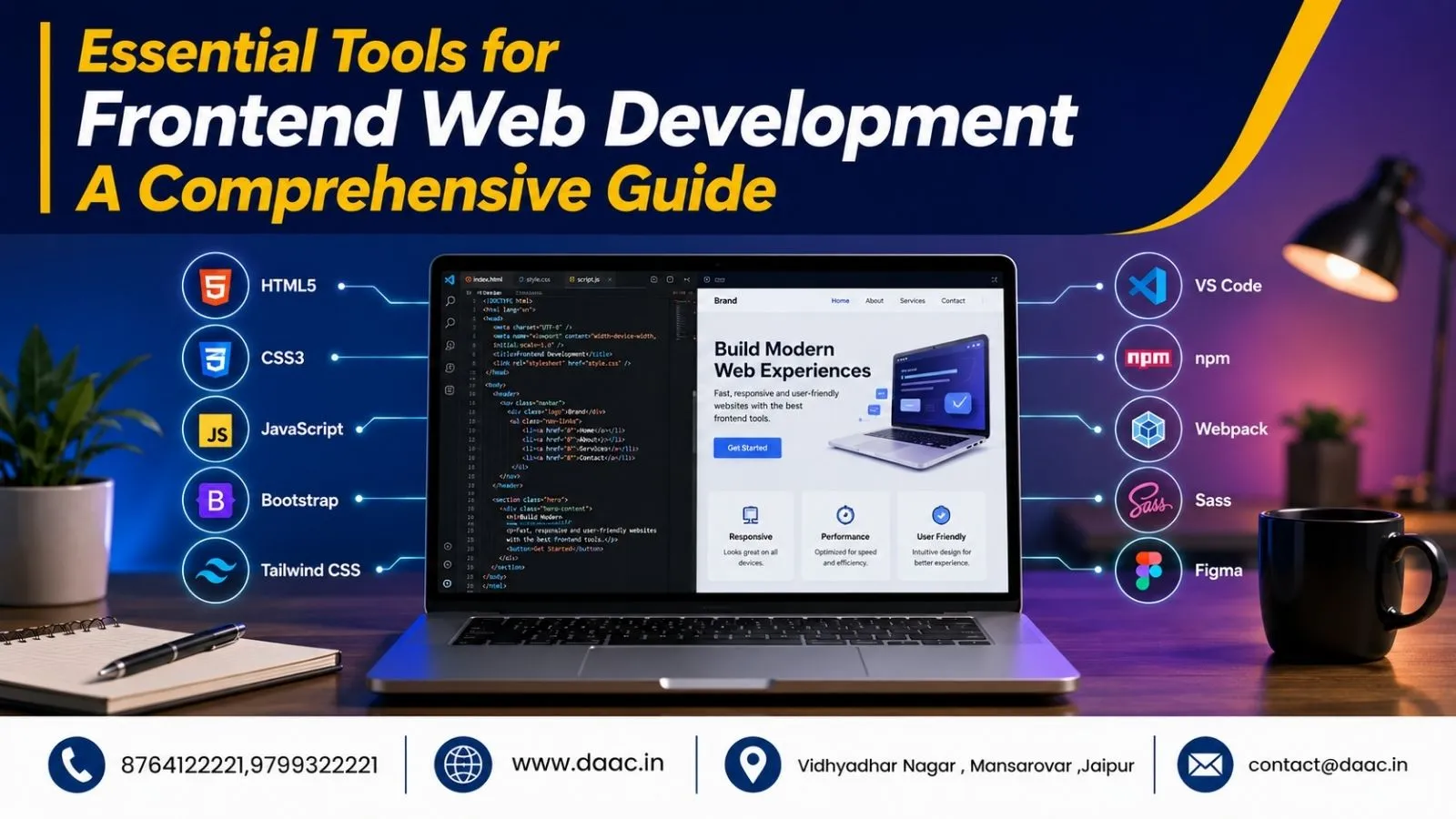
Frontend development continues to evolve rapidly as businesses demand faster, more interactive, and user-friendly websites. Modern websites are expected to provide seamless experiences across desktops, tablets, and smartphones. To meet these expectations, developers rely on powerful tools that simplify coding, improve productivity, and enhance project quality. Understanding the right tools is essential for beginners and professionals alike. This guide explores the most important technologies and resources that support successful Frontend Web Development in 2026.
Why Frontend Development Tools Matter
Frontend developers are responsible for creating the visual and interactive elements users experience on websites and web applications. Without efficient tools, managing code, debugging issues, optimizing performance, and maintaining projects becomes significantly more challenging. Development tools help automate repetitive tasks, improve collaboration, and ensure consistent code quality throughout the project lifecycle.
The demand for skilled frontend developers continues to rise because businesses increasingly prioritize user experience. Modern websites must load quickly, function smoothly, and adapt to different devices. The right tools enable developers to achieve these goals while reducing development time and improving overall project outcomes.
1. Visual Studio Code – The Industry Standard Editor
Visual Studio Code remains one of the most popular code editors among developers worldwide. Created by Microsoft, it offers a lightweight yet feature-rich environment for coding. Features such as IntelliSense, integrated Git support, debugging capabilities, and a vast extension marketplace make it highly effective for frontend projects.
Developers appreciate VS Code because it supports multiple programming languages and frameworks. Extensions for React, Vue, Tailwind CSS, and TypeScript enhance productivity while improving workflow efficiency. For beginners learning Frontend Web Development, Visual Studio Code provides a user-friendly environment that balances simplicity with professional-level functionality.
2. Sublime Text for Speed and Simplicity
Sublime Text remains a preferred choice for developers who prioritize speed and minimalism. The editor launches quickly and provides a distraction-free workspace that helps developers focus on writing clean code. Its performance remains impressive even when working with large projects and multiple files simultaneously.
Many experienced developers use Sublime Text because of its lightweight nature and customizable features. While it lacks some built-in capabilities found in VS Code, its speed and simplicity continue to attract users who prefer a streamlined coding environment. Understanding multiple editors can help developers adapt to different workplace preferences and project requirements.
3. Git for Version Control and Collaboration
Version control is a critical aspect of modern development workflows. Git allows developers to track code changes, manage project versions, and collaborate effectively with teams. Platforms such as GitHub, GitLab, and Bitbucket use Git to support code repositories and collaborative development processes.
Without version control, managing large projects becomes risky and inefficient. Git enables developers to experiment with new features while maintaining project stability. Students pursuing a Web Development Course in Jaipur often learn Git early because it has become a fundamental requirement for professional development environments and team-based projects.
4. npm and Yarn for Package Management
Frontend projects frequently depend on third-party libraries and frameworks. Package managers simplify the process of installing, updating, and managing these dependencies. npm remains the default package manager for JavaScript projects, while Yarn offers an alternative known for speed and reliability.
These tools allow developers to access thousands of open-source packages that accelerate development. Instead of writing every feature from scratch, developers can leverage existing libraries and focus on project-specific requirements. Efficient dependency management reduces development time and improves project maintainability.
5. Task Runners for Workflow Automation
Automation tools help developers eliminate repetitive tasks and improve efficiency. Task runners such as Gulp and Grunt automate processes like code minification, image optimization, CSS compilation, and file compression. These tools save valuable time while ensuring consistent project outputs.
Although modern build tools have reduced the reliance on traditional task runners, understanding automation concepts remains valuable. Automating repetitive processes allows developers to focus on solving complex problems rather than performing routine tasks manually. Productivity improvements often translate directly into faster project completion and better results.
6. Sass and CSS Preprocessors
Managing CSS becomes increasingly challenging as projects grow in size and complexity. Sass extends traditional CSS by introducing features such as variables, nesting, mixins, and reusable functions. These enhancements improve code organization and simplify stylesheet maintenance.
Using preprocessors encourages developers to create cleaner and more scalable stylesheets. Large projects benefit significantly from modular CSS structures that reduce redundancy and improve maintainability. Learning Sass also strengthens overall coding practices and helps developers build more professional frontend architectures.
7. React for Modern User Interfaces
React remains one of the most widely used JavaScript libraries for building interactive user interfaces. Developed by Facebook, React introduced a component-based architecture that allows developers to create reusable UI elements and manage application states efficiently. Many leading companies rely on React for web application development.
Its flexibility and strong ecosystem make React an excellent choice for both beginners and experienced developers. Understanding React significantly improves employability because businesses actively seek developers with experience in modern frontend technologies. React continues to dominate the frontend landscape in 2026.
8. Vue.js for Flexible Development
Vue.js has gained popularity due to its simplicity, flexibility, and ease of integration. Unlike some frameworks that require complete adoption, Vue allows developers to gradually introduce its features into existing projects. This flexibility makes it attractive for businesses and developers alike.
Many developers choose Vue because of its gentle learning curve and efficient performance. It supports the creation of dynamic user interfaces while maintaining code readability and project scalability. Understanding popular JavaScript Frameworks such as Vue expands career opportunities and strengthens technical expertise.
9. Bootstrap for Faster UI Development
Bootstrap remains one of the most popular CSS frameworks for building responsive websites. Its pre-designed components, grid system, and utility classes allow developers to create professional interfaces quickly. Bootstrap significantly reduces the time required to develop responsive layouts across different devices.
For beginners, Bootstrap provides a practical introduction to responsive design concepts. It helps developers understand layout structures while accelerating project development. Although custom designs remain important, Bootstrap continues to be a valuable resource for rapid prototyping and efficient frontend implementation.
10. Browser Developer Tools for Debugging
Debugging is an essential skill for every frontend developer. Browser-based tools such as Chrome DevTools and Firefox Developer Tools provide powerful features for inspecting code, analyzing performance, and troubleshooting issues. These tools help developers identify problems quickly and improve website functionality.
Features such as element inspection, network monitoring, responsive testing, and performance analysis simplify the debugging process. Mastering browser developer tools improves development efficiency and strengthens overall Frontend Developer Skills, making developers more effective in professional environments.
11. SEO and Performance Optimization Tools
Creating attractive websites is only part of frontend development. Performance and visibility are equally important. Tools such as Google PageSpeed Insights help developers evaluate website speed and identify optimization opportunities. Faster websites provide better user experiences and often achieve stronger search engine rankings.
SEO-focused tools also help developers understand technical improvements that support online visibility. Students interested in combining development and optimization expertise often explore digital marketing concepts alongside technical training. Performance optimization has become a critical component of successful website development strategies.
Additional Skills Every Frontend Developer Should Learn
Beyond software tools, successful developers should continuously improve their professional skills:
- Responsive design principles
- Accessibility standards
- Performance optimization
- API integration
- Version control workflows
- UI/UX fundamentals
- Problem-solving techniques
- Communication and teamwork
Developing these abilities complements technical expertise and supports long-term career growth. Employers increasingly value professionals who can combine coding knowledge with user-focused thinking and collaborative skills.
Students looking to strengthen their technical foundation can also explore a React Js Course in Jaipur to gain practical experience with one of the most widely adopted frontend technologies in the industry today.
Conclusion
The field of Frontend Web Development continues to evolve as new technologies and user expectations emerge. From code editors and version control systems to frameworks and optimization tools, each resource plays an important role in the development process. Mastering these tools helps developers build efficient workflows, create better user experiences, and improve project outcomes.
Whether you are a beginner or an experienced professional, continuous learning remains essential. By understanding modern Web Development Tools, improving Frontend Developer Skills, and staying updated with emerging technologies, you can build a successful and future-ready career in frontend development.
FAQs
1. Which tool is best for frontend web development beginners?
Visual Studio Code is often considered the best starting tool because it is free, easy to use, highly customizable, and supports a wide range of development technologies.
2. Is React necessary for frontend development in 2026?
React is not mandatory, but it remains one of the most in-demand technologies. Learning React significantly improves career opportunities and project capabilities.
3. What is the difference between npm and Yarn?
Both are package managers used to manage project dependencies. Yarn is known for speed and reliability, while npm remains the default package manager for most JavaScript projects.
4. Why is Git important for developers?
Git helps track code changes, manage project versions, collaborate with teams, and maintain project stability during development.
5. Do frontend developers need SEO knowledge?
Basic SEO knowledge is beneficial because website performance, accessibility, and optimization directly impact search visibility and user experience.