
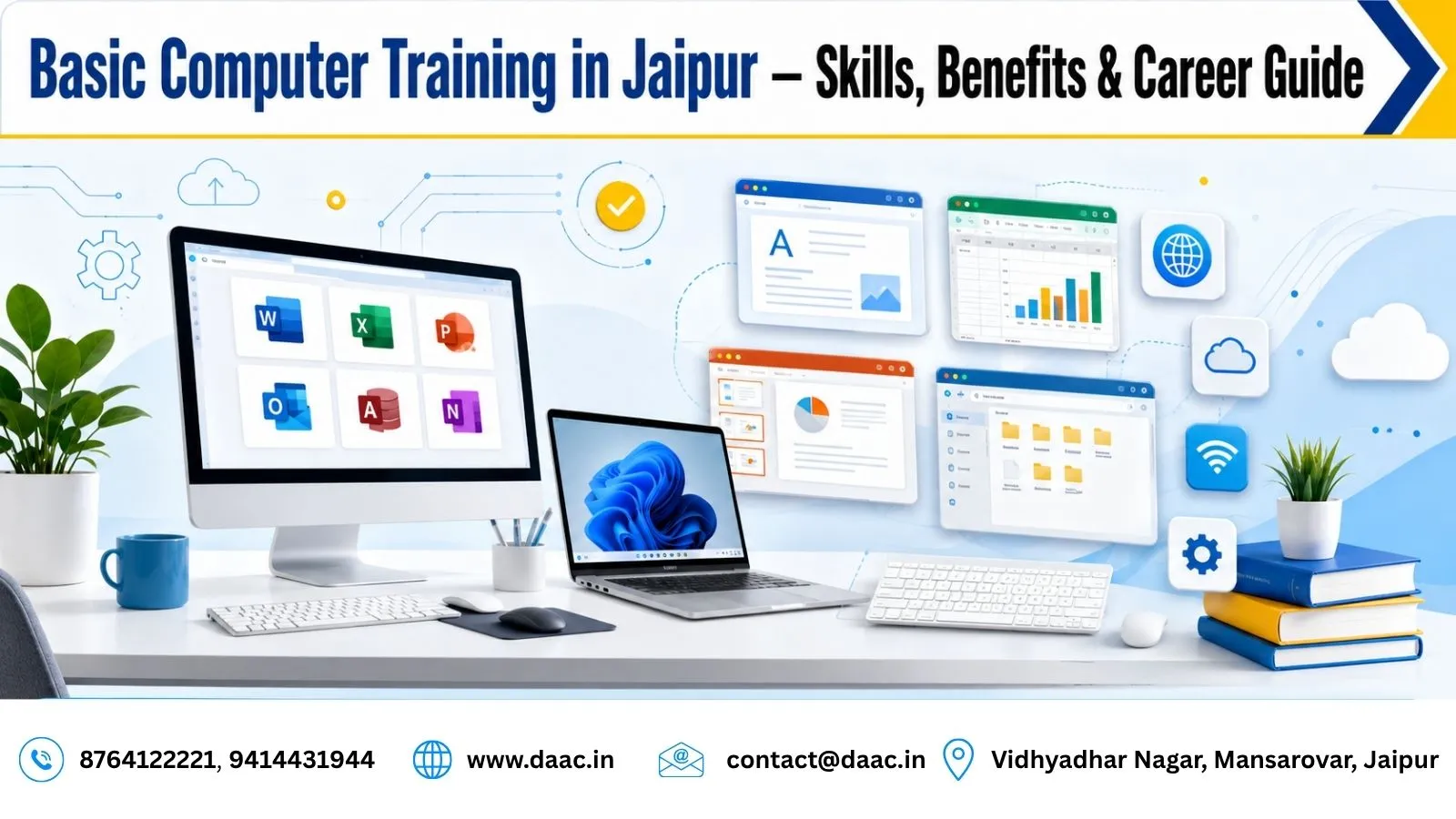
In today’s digital-driven world, computer literacy is an essential skill for students, job seekers, and working professionals. From preparing documents and managing business records to accessing online services, computers are part of everyday life. Basic Computer Training in Jaipur helps beginners develop practical digital skills, improve workplace productivity, and prepare for further education or career opportunities.
A beginner-friendly computer programme generally covers computer fundamentals, operating systems, office applications, internet browsing, email communication, file management, and online safety. These foundational skills can also help learners prepare for advanced subjects such as programming, data analytics, graphic design, and web development.
1. Importance of Basic Computer Training in Jaipur for Career Growth
Computer Skills Across Different Industries
Computer knowledge is useful across industries, including education, healthcare, retail, banking, administration, and business services. Employees may need to prepare reports, maintain records, organise customer information, create presentations, or communicate through email.
For students, computer skills make it easier to complete assignments and research information online. For working professionals, they can improve efficiency and help with everyday digital tasks. Learning these fundamentals also makes it easier to adapt when workplaces introduce new software or digital processes.
Better Preparation for Entry-Level Jobs
Many entry-level positions involve routine computer operations. Depending on the employer, these may include office assistant, data entry operator, receptionist, computer operator, or administrative support roles.
A practical Computer Training Course can help learners practise tasks such as preparing documents, entering information into spreadsheets, organising files, and writing professional emails. However, job eligibility depends on the specific role, qualifications, experience, and additional skills required by the employer.
2. Essential Digital Literacy Skills Every Beginner Should Learn
Computer Fundamentals and File Management
Beginners should first understand the difference between hardware and software, the purpose of common computer components, and the basic functions of an operating system.
Practical learning should include starting and shutting down a computer safely, opening applications, navigating the desktop, connecting common devices, and managing files and folders. Learners should practise saving, renaming, copying, moving, and deleting files, as well as locating downloaded documents.
These everyday operations build confidence and reduce mistakes when working with digital information.
MS Office and Productivity Applications
Office applications are important for academic assignments and workplace tasks. Learners should practise creating documents, preparing spreadsheets, and designing presentations.
Key skills include:
-
Word processing: Creating letters, applications, reports, and formatted documents.
-
Spreadsheets: Entering data, organising tables, using basic formulas, and preparing simple charts.
-
Presentations: Arranging slides with clear headings, images, and relevant information.
-
PDF management: Opening, saving, sharing, and organising PDF files.
To strengthen these skills, prepare a sample résumé, create a monthly expense spreadsheet, and design a short presentation. These exercises provide practical experience rather than relying only on theoretical knowledge.
3. Improve Productivity Through Practical Computer Skills
Complete Everyday Tasks More Efficiently
Computer training helps learners perform common tasks in an organised manner. Keyboard shortcuts, spreadsheet formulas, document templates, and proper file organisation can reduce repetitive work and improve accuracy.
For example, spreadsheet sorting and basic formulas can make record management easier. Document formatting tools can help create consistent reports, while presentation software can make information easier to communicate.
Regular practice is important because knowing where a tool is located is different from being able to use it independently. Learners should repeat common tasks until they can complete them confidently.
Develop Professional Communication Skills
Email, video meetings, shared documents, and online calendars are widely used in professional environments. Learners should know how to write a clear email subject, compose a professional message, attach documents, organise their inbox, and participate appropriately in online meetings.
They should also understand how to share documents with the correct permissions and collaborate on files without exposing confidential information.
Strong Digital Literacy Skills combine technical knowledge with responsible communication. These abilities can support students, office workers, entrepreneurs, and individuals exploring remote or hybrid work opportunities.
4. Digital Safety, Internet Awareness, and Responsible Computer Use
Safe Browsing and Cybersecurity Basics
Computer education should include basic online safety. Beginners need to recognise suspicious links, fake login pages, unexpected attachments, and messages that create urgency to obtain passwords or financial information.
Useful safety practices include:
-
Using strong, unique passwords for different accounts.
-
Enabling multifactor authentication wherever available.
-
Installing operating system and software updates.
-
Downloading applications from trusted sources.
-
Avoiding suspicious links and unexpected attachments.
-
Keeping backups of important documents.
These habits help learners protect their personal information while using digital services.
Email Safety and Online Services
Email is useful for education, job applications, and professional communication, but it can also be used for phishing scams. Learners should check the sender’s address, verify unusual requests independently, and avoid sharing sensitive details through untrusted channels.
They should also learn how to use search engines, complete online forms, upload documents, download files safely, and access legitimate digital services. When using online payments or financial services, it is important to verify the recipient and never share an OTP or banking password with another person.
Responsible computer use means understanding both the benefits of technology and the risks associated with it.
5. How to Choose the Right Computer Training Programme in Jaipur
Evaluate the Course Curriculum and Practical Sessions
Before enrolling, check whether the programme covers the skills you actually need. A useful beginner curriculum should include computer fundamentals, operating systems, file management, office applications, internet use, email, and online safety.
Practical assignments are especially important. Ask whether learners get individual computer practice, trainer guidance, exercises, and feedback. A programme that includes regular hands-on work can help beginners apply what they learn to everyday situations.
When comparing institutes, review the syllabus, teaching approach, available facilities, course fees, schedule, and student feedback. Avoid choosing a programme based only on promotional claims.
Choose a Learning Format That Suits You
Classroom learning can be useful for beginners who want direct instructor support and supervised practice. Online courses may suit people who need flexible schedules or prefer learning from home.
Whichever format you choose, make sure you have access to a computer for regular practice. Completing assignments independently and revisiting difficult topics can improve understanding and confidence.
If you are researching a Computer Training Institute in Jaipur, review the available learning options and confirm that the curriculum matches your goals before enrolling.
6. Build a Learning Plan for Long-Term Skill Development
Practise with Real-Life Assignments
A well-organised learning plan helps beginners develop skills step by step. Start with basic computer operations, then practise document creation, spreadsheets, presentations, email, and internet research.
You can use these exercises to check your progress:
-
Create and format a résumé.
-
Prepare a spreadsheet with totals and simple formulas.
-
Design a presentation on a familiar subject.
-
Draft a professional email and attach a document.
-
Organise files into folders using clear names.
-
Identify warning signs in a sample suspicious email.
These activities help turn theoretical knowledge into useful, everyday abilities.
Measure Your Progress and Improve Weak Areas
Set small weekly goals and repeat tasks until you can complete them without assistance. Keep a record of the applications you have learned, the assignments you have completed, and the areas where you need more practice.
Typing accuracy, shortcut knowledge, spreadsheet formulas, and professional document formatting can improve with consistent effort. Do not rush into advanced software before understanding the fundamentals.
A steady learning routine builds confidence and prepares you to explore more specialised digital skills.
7. Career Opportunities After Basic Computer Training
Entry-Level Roles That Use Computer Skills
Basic computer knowledge can support applications for jobs involving routine digital tasks. Depending on your qualifications and the employer’s requirements, relevant roles may include data entry operator, office assistant, receptionist, computer operator, or administrative assistant.
Some positions require additional skills such as typing speed, accounting software, customer service, or advanced spreadsheet knowledge. Read job descriptions carefully and identify which skills you need to develop before applying.
Computer training can improve job readiness, but employment depends on several factors, including qualifications, experience, communication skills, and local demand.
Progress from Basic Skills to Advanced IT Learning
After learning computer fundamentals, you can explore subjects that match your interests. Learners who enjoy numbers and reports may consider data analytics, while those interested in websites may progress to web development. Digital marketing, graphic design, and programming are other possible learning paths.
For example, a learner interested in website creation can explore a Web Development Course in Jaipur to build more specialised knowledge.
If your goal is to explore structured learning beyond computer basics, you can also discover the DAAC. Choose the next course according to your interests, existing skills, and long-term career goals.
Conclusion
Computer literacy helps learners manage everyday digital tasks, communicate professionally, and prepare for changing workplace requirements. Focus on practical exercises, office applications, file management, internet use, and cybersecurity basics. With consistent practice, these foundational skills can support further education and career development. DAAC provides learning opportunities for people interested in developing practical computer knowledge and progressing towards more specialised digital skills.