Artificial intelligence is transforming almost every industry, and web design is one of the biggest beneficiaries. In 2026, beginners no longer need years of experience to create professional websites. Modern AI platforms can generate layouts, suggest colors, create content, and even optimize user experiences automatically. As businesses increasingly adopt smart technologies, understanding AI Web Design has become a valuable skill for students, freelancers, and aspiring web designers looking to build successful careers.
Many companies now prefer designers who understand AI-assisted workflows because these tools improve productivity and reduce project timelines. Whether you are creating a portfolio website, business website, or e-commerce platform, AI-powered solutions can help deliver better results faster while allowing beginners to focus on creativity and user experience.
What Is AI Web Design and Why Is It Important?
AI Web Design refers to the use of artificial intelligence technologies to automate various website creation tasks. Instead of manually designing every element, AI tools analyze data, user behavior, and design patterns to generate layouts, content suggestions, and visual elements automatically.
Popular platforms such as Wix ADI, Framer AI, and Adobe Firefly are helping beginners create websites with minimal technical knowledge. These tools simplify complex tasks while maintaining professional standards. As a result, students and freshers can build high-quality websites much faster than traditional methods.
Some major advantages include:
- Faster website creation
- Improved design consistency
- Better mobile responsiveness
- Reduced development time
- Easier content generation
These benefits make AI-powered solutions highly attractive for individuals entering the web design industry.
How AI Is Transforming the Web Design Industry
The web design industry has experienced significant changes due to artificial intelligence. Tasks that previously required days of work can now be completed in a few hours. AI algorithms analyze successful websites and use that information to create optimized design recommendations.
Modern businesses use AI for:
- Wireframe generation
- Layout creation
- Font selection
- Color palette recommendations
- Responsive design adjustments
- Content generation
For example, online store owners can now generate complete product pages within minutes. This level of efficiency has increased demand for professionals who understand modern design workflows and AI-assisted website creation techniques.
Why Beginners Should Learn AI Website Design in 2026
The demand for AI-skilled designers is growing rapidly. Companies are actively seeking candidates who can work efficiently using modern design technologies. Learning AI-powered design tools gives beginners a competitive advantage in the job market.
Several reasons make 2026 the ideal time to start:
- Most platforms offer beginner-friendly free plans.
- Learning resources are widely available online.
- Businesses increasingly prefer AI-assisted workflows.
- Freelance opportunities are expanding globally.
- Institutes are integrating AI into design training programs.
Students who combine creativity with technical knowledge can build stronger portfolios and improve employment opportunities in the future.
Best AI Website Builder Platforms for Beginners
Choosing the right AI Website Builder depends on your goals, budget, and learning requirements. Fortunately, several beginner-friendly platforms are available today.
Framer AI
Framer AI allows users to convert text prompts into complete website layouts. It automatically generates responsive designs suitable for desktop, tablet, and mobile devices. Beginners appreciate its simplicity and professional output quality.
Wix ADI
Wix ADI asks users a few simple questions and creates an entire website automatically. It is ideal for beginners who want quick results without technical complexity.
Hostinger AI Builder
Hostinger offers AI-powered website generation, content creation, and optimization features. Small business owners and students can build websites quickly while learning modern design principles.
Canva AI
Canva AI has expanded beyond graphic design and now supports website creation. Its intuitive interface makes it perfect for beginners who are exploring web design for the first time.
These platforms demonstrate how AI technology is making website creation accessible to everyone.
How Web Design Automation Simplifies Website Development
One of the biggest advantages of modern AI platforms is Web Design Automation. Automated systems eliminate repetitive tasks and allow designers to focus on creativity and strategy.
Key automation features include:
- Automatic spacing adjustments
- Responsive design optimization
- Layout generation
- Image recommendations
- Content suggestions
- Accessibility improvements
For example, if a designer changes a section layout, AI tools can automatically update spacing and alignment across all screen sizes. This saves time while improving overall design consistency.
Automation does not replace designers. Instead, it acts as a productivity assistant that accelerates workflow and reduces manual effort.
Role of AI in UI and UX Design
User experience has become a major priority for modern websites. AI tools help designers create interfaces that improve engagement, usability, and customer satisfaction.
Artificial intelligence supports UI and UX design through:
- Color palette recommendations
- Typography matching
- Wireframe generation
- User behavior analysis
- Heatmap predictions
- Conversion optimization
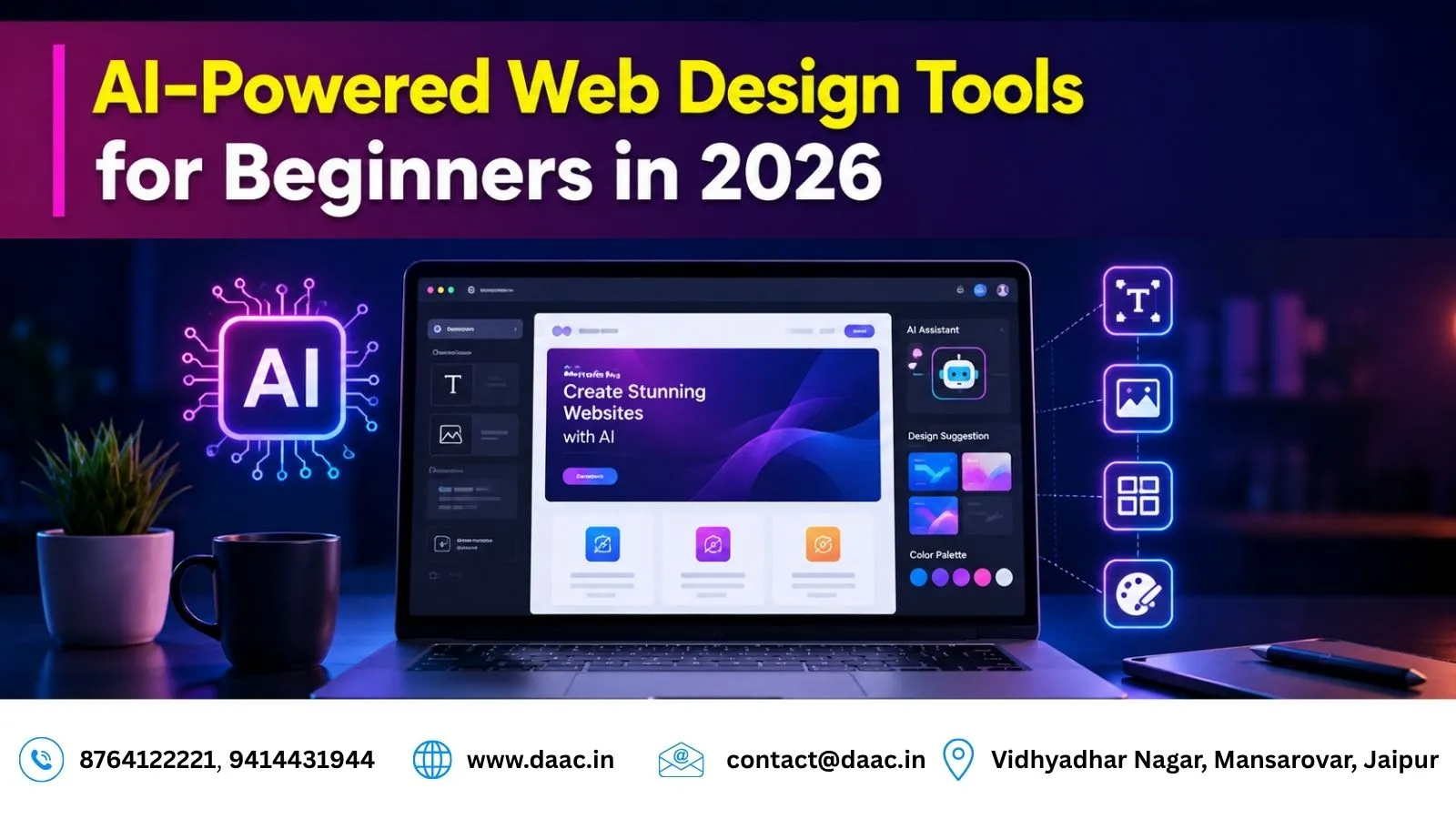
Tools like Uizard and Galileo AI can generate interface concepts based on simple text descriptions. Beginners can quickly visualize ideas without spending hours creating wireframes manually.
For students interested in mastering professional design skills, enrolling in a Web Design Course can provide structured training alongside AI-based workflows and industry best practices.
Benefits of AI-Powered Web Design Tools
AI-powered platforms offer several benefits for students, freelancers, and businesses.
Faster Project Delivery
Designers can complete projects significantly faster because AI handles repetitive tasks automatically. Faster delivery leads to improved client satisfaction and higher productivity.
Lower Technical Barriers
Beginners without coding experience can still build professional websites using drag-and-drop interfaces and AI-generated layouts.
Better Design Consistency
AI systems follow established design principles, helping beginners avoid common mistakes and maintain visual consistency across pages.
Increased Career Opportunities
Companies increasingly value professionals who understand modern design technologies. Learning AI-powered tools can improve job prospects and freelance opportunities.
These advantages make AI-powered platforms valuable additions to every designer’s toolkit.
Career Opportunities in AI-Powered Web Design
The rise of artificial intelligence has created new career opportunities within the digital industry. Businesses require professionals who can combine design knowledge with AI-assisted workflows.
Popular career paths include:
- Web Designer
- UI Designer
- UX Designer
- Website Consultant
- No-Code Developer
- Freelance Designer
- Digital Product Designer
Professionals who understand both traditional design principles and AI technologies are becoming highly sought after in domestic and international markets.
After learning design fundamentals, many students also explore advanced technologies through a Full Stack Developer Course in Jaipur to strengthen their technical expertise and career prospects.
Limitations of AI in Web Design
Despite its advantages, artificial intelligence has limitations. Understanding these challenges helps designers use AI effectively while maintaining creative control.
Limited Original Creativity
AI learns from existing design patterns and often generates familiar layouts. It struggles to create truly unique concepts without human direction.
Template Dependency
Many AI platforms rely on predefined structures. As a result, websites may appear similar unless designers customize them extensively.
Human Strategy Remains Essential
AI cannot fully understand emotions, business goals, cultural preferences, or complex user behavior. Human designers remain responsible for strategy, branding, and creative decision-making.
Successful professionals use AI as a support tool rather than relying on it entirely.
Future of AI Web Design in India
India is becoming a major hub for digital innovation and AI adoption. Businesses are investing heavily in digital transformation, increasing demand for skilled web designers who understand artificial intelligence.
Emerging trends include:
- Voice-based website creation
- Personalized website experiences
- AI-generated user interfaces
- Smart accessibility optimization
- Real-time content customization
Cities such as Jaipur, Bengaluru, Hyderabad, and Pune are seeing increased demand for professionals with AI-assisted design expertise. Students who begin learning now will be well-positioned for future opportunities.
Conclusion
The future of website creation is being shaped by artificial intelligence, and AI Web Design is becoming an essential skill for modern designers. Tools such as Framer AI, Wix ADI, Canva AI, and Webflow are helping beginners create professional websites faster than ever before.
While AI simplifies design processes through automation and smart recommendations, human creativity remains the driving force behind successful digital experiences. By combining traditional design principles with AI-powered workflows, students can build impressive portfolios, secure better career opportunities, and stay ahead in the rapidly evolving web design industry.
FAQs
1. What is AI Web Design?
AI Web Design uses artificial intelligence technologies to automate website creation tasks such as layouts, content generation, responsive design, and visual optimization.
2. Which AI website builder is best for beginners in 2026?
Framer AI and Wix ADI are among the best beginner-friendly platforms because they provide simple interfaces and automated website creation features.
3. Can I create websites without coding using AI tools?
Yes. Modern AI website builders allow users to design professional websites without coding knowledge through drag-and-drop and automated design systems.
4. Is AI replacing web designers?
No. AI assists designers by automating repetitive tasks, but human creativity, strategy, branding, and user experience decisions remain essential.
5. Are AI web design skills useful for careers?
Yes. Companies increasingly seek professionals who understand AI-assisted workflows, making these skills valuable for jobs, freelancing, and digital business opportunities.