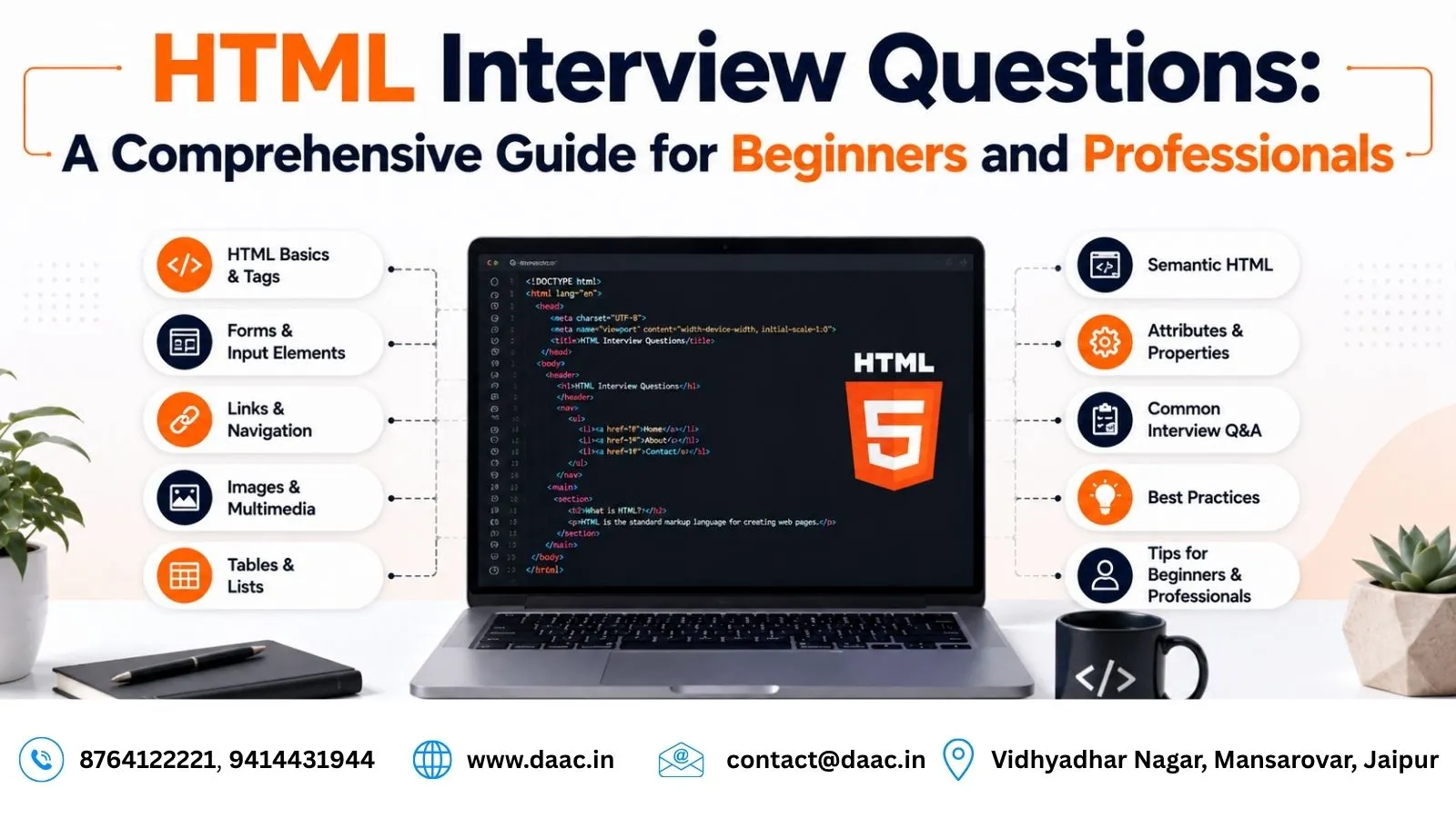
HTML (HyperText Markup Language) is the foundation of every website on the internet. Whether you are building a simple webpage or a complex web application, HTML plays a crucial role in structuring content.
In modern web development, HTML is not just a basic skill—it is an essential requirement for front-end developers, UI/UX designers, and full-stack engineers. Companies expect candidates to have a strong understanding of HTML concepts during interviews.
This guide covers the most commonly asked HTML interview questions along with clear explanations and practical insights. The designers created the program to help beginners strengthen their fundamentals and prepare confidently for technical interviews in 2026.
What is HTML and Why is it Important in Web Development?
HTML is a markup language that developers use to create the structure of web pages. It defines how browsers display content such as text, images, videos, and links.
Every website, including modern applications like e-commerce platforms, social media sites, and dashboards, relies on HTML at its core.
HTML is important because:
- It provides structure to web pages
- It works with CSS for styling and JavaScript for functionality
- It is supported by all browsers
- It forms the foundation of front-end development
Without HTML, websites would not exist in a readable format.
Basic HTML Interview Questions Every Beginner Should Know
Understanding basic HTML concepts is essential before moving to advanced topics. Interviewers often start with foundational questions to test clarity of concepts.
Are HTML tags and elements the same?
No, HTML tags and elements are not the same. A tag is the keyword enclosed in angle brackets, while an element includes the opening tag, content, and closing tag.
For example:
- Tag:
<p> - Element:
<p>This is a paragraph</p>
What are HTML attributes?
HTML attributes provide additional information about elements. They are always written inside the opening tag.
Example:
<img src="image.jpg" alt="Sample Image">
Here, src and alt are attributes.
What are void elements in HTML?
Void elements are those that do not have a closing tag. These include:
<img><br><input>
They are self-closing because they do not contain content.
What are HTML entities?
HTML entities are used to display special characters in a webpage.
Examples:
<represents<>represents>&represents&
Intermediate HTML Interview Questions
Once basic concepts are clear, interviewers move to slightly advanced topics.
What is the difference between id and class?
The id attribute is unique and used for a single element, while the class attribute can be used for multiple elements.
id: Unique identifierclass: Reusable styling and grouping
What are different types of lists in HTML?
HTML supports three types of lists:
- Ordered list (
<ol>) - Unordered list (
<ul>) - Description list (
<dl>)
Each serves a different purpose for organizing content.
What is the advantage of collapsing white space?
Collapsing white space ensures that multiple spaces, tabs, or line breaks are treated as a single space. This helps maintain clean and consistent rendering across browsers.
Advanced HTML Interview Questions
Advanced questions focus on performance, structure, and real-world usage.
What is the HTML document structure?
A standard HTML5 structure includes semantic elements like:
<header><nav><section><article><footer>
These elements improve readability and SEO performance.
How do you optimize website performance using HTML?
Website performance can be improved by:
- Minimizing unnecessary tags
- Using semantic HTML
- Optimizing media files
- Loading scripts properly
- Using CDN for resources
Modern websites like Amazon and YouTube rely heavily on optimized HTML structures for performance.
What is the difference between <link> and <a> tags?
<link>is used to connect external resources like CSS files<a>is used to create hyperlinks between pages
Example:
<link rel="stylesheet" href="style.css">
<a href="https://example.com">Visit Site</a>
HTML Forms and Input Handling
Forms are an important part of web applications as they collect user data.
What is an HTML form?
A form is used to collect user input and send it to a server.
Example:
<form>
  <input type="text" placeholder="Enter Name">
  <input type="submit">
</form>
Forms are widely used in login pages, registration systems, and surveys.
What is multipart form data?
It is used when uploading files through forms. It allows data to be sent in multiple parts, including binary files.
HTML5 Features and Improvements
HTML5 introduced modern features that improved web development significantly.
Key features include:
- Audio and video support
- New semantic elements
- Better form controls
- Improved APIs
- Offline web capabilities
Platforms like Netflix and Spotify use HTML5 features for multimedia delivery.
How JavaScript Works with HTML
HTML works closely with JavaScript to create interactive web pages.
You can add JavaScript using:
- Inline scripts
- Internal scripts
- External files
Developers usually place scripts at the bottom of the page to improve loading speed.
Real-World Importance of HTML in 2026
In 2026, HTML continues to be a core skill for all web developers. Even with advanced frameworks like React and Angular, HTML remains essential for building structured and accessible web pages.
Companies expect developers to understand:
- Semantic HTML
- SEO-friendly structure
- Responsive design principles
- Accessibility standards
Without strong HTML knowledge, advanced development becomes difficult.
Career Opportunities After Learning HTML
HTML is the first step in web development. After mastering it, learners can move into:
- Front-End Developer
- Web Designer
- UI Developer
- Full Stack Developer
- WordPress Developer
Institutes like HTML Course in Jaipur help students build strong foundations through practical training and real-world projects.
Conclusion
HTML is the backbone of web development and a must-know skill for anyone entering the tech industry. From basic structure to advanced concepts, understanding HTML helps developers build strong, accessible, and efficient websites.
In technical interviews, interviewers use HTML questions to test clarity of fundamentals. By mastering these concepts and practicing regularly, candidates can significantly improve their chances of success.
Whether you are a beginner or preparing for job interviews, HTML remains your first and most important step in the journey of web development.
FAQs
1. Is HTML enough to get a job in web development?
HTML alone is not enough. You should also learn CSS, JavaScript, and frameworks for better job opportunities.
2. What is the easiest way to learn HTML?
The best way is through practice by building small web pages and projects.
3. How long does it take to learn HTML?
You can learn HTML in a few weeks with consistent practice.
4. Is HTML still relevant in 2026?
Yes, HTML is still essential for all modern web development workflows.
5. What should I learn after HTML?
After HTML, you should learn CSS, JavaScript, and front-end frameworks like React.