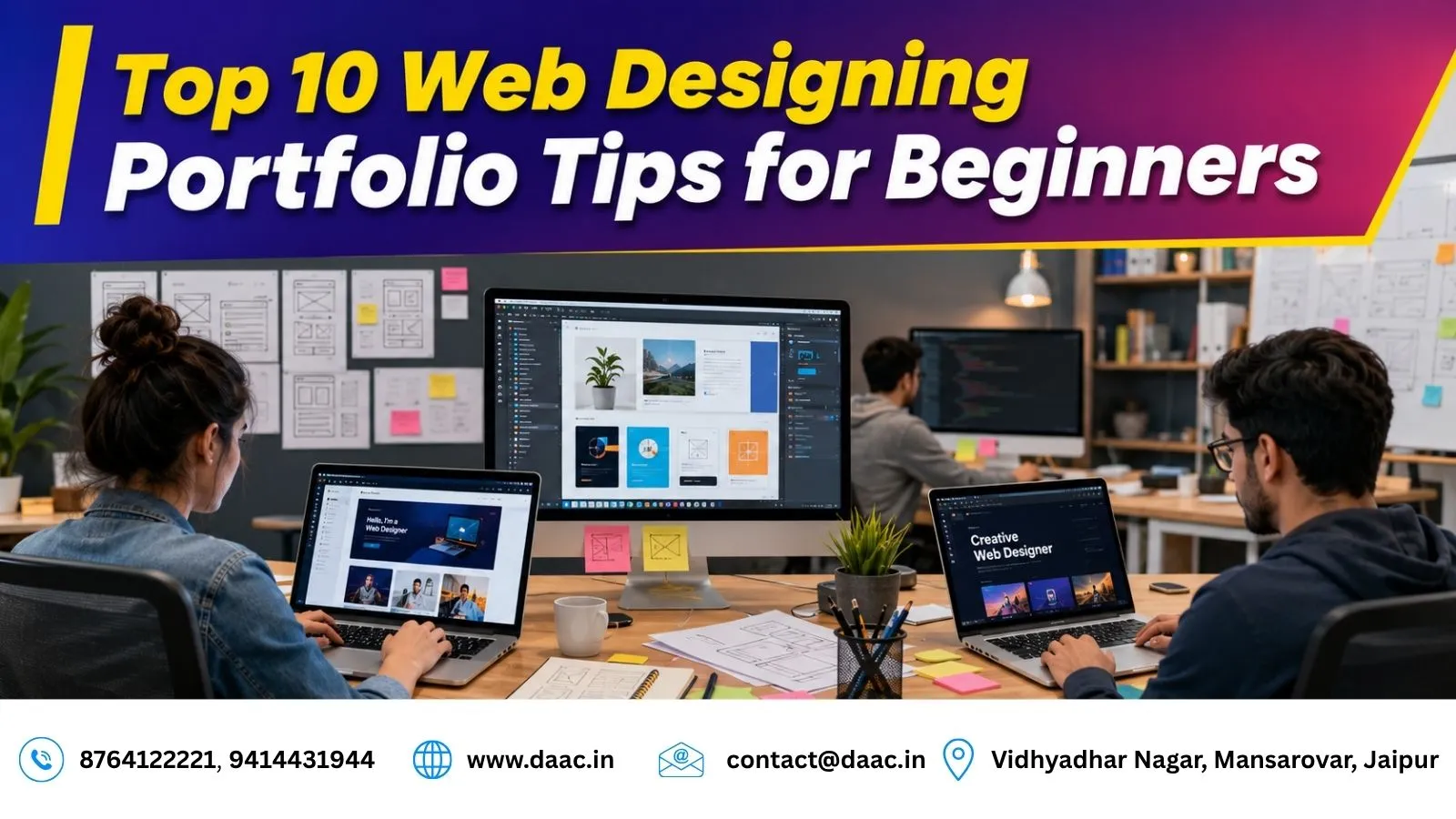
Top 10 Web Designing Portfolio Tips for Beginners in 2026
Creating a professional Web Designing Portfolio is one of the most important steps for beginners who want to build a successful career in web design. In 2026, employers and clients look beyond certificates and focus on practical skills, creativity, user experience, and problem-solving abilities. A portfolio provides evidence of your capabilities and helps showcase your design thinking.
Even if you have not worked with real clients, you can still build an impressive portfolio using practice projects, fictional brands, website redesign concepts, and modern design techniques. The key is to demonstrate how your designs solve problems and meet users’ needs.
Why Is a Web Designing Portfolio Important in 2026?
The web design industry is competitive, and companies and clients often review portfolios before scheduling interviews or assigning projects. A well-structured portfolio demonstrates your ability to create user-friendly websites, apply design principles, and solve real business challenges.
Demonstrate Your Practical Skills
A portfolio lets you showcase your knowledge of layouts, typography, colour combinations, responsive design, and user interface principles. Rather than simply listing tools you know, you can demonstrate how you apply them in real or practice projects.
Build Credibility and Career Opportunities
A professional portfolio can help beginners apply for internships, entry-level positions, and freelance opportunities. Including project explanations and design decisions also helps recruiters understand your approach to solving problems.
1. Start With Quality Projects Instead of Quantity
Many beginners believe they need dozens of projects to impress recruiters. However, quality matters more than quantity. Three to six well-crafted projects can create a stronger impression than twenty average designs. Focus on projects that demonstrate creativity, responsive design, user experience, and visual consistency.
Project Ideas for Beginners
Consider creating projects such as:
- Landing page designs
- Restaurant websites
- Personal portfolio websites
- E-commerce homepage concepts
- SaaS dashboard designs
- Event booking websites
Choose projects that allow you to demonstrate different design skills rather than repeating the same layout.
What Makes a Project Stand Out?
Some of the best Web Design Portfolio Examples contain only a few projects, but each project tells a clear story. Explain the purpose of the website, the target audience, the design challenge, and how your solution addresses the problem.
Use polished visuals and ensure your projects are easy to explore. A small collection of thoughtful, well-presented projects can communicate your abilities more effectively than a large collection of unfinished designs.
2. Showcase Your Design Process
Clients and recruiters want to understand how you approach a project. Instead of displaying only final designs, explain the steps involved in creating them. Include research findings, wireframes, sketches, colour palette decisions, typography choices, and user journey planning.
Include Research and Wireframes
Start by explaining the problem your project aims to solve. Identify the intended audience, their needs, and the main purpose of the website. You can then show early sketches, wireframes, and the reasoning behind your layout decisions.
This demonstrates that you consider usability and audience needs before focusing on visual appearance.
Explain Your Design Decisions
Show how you selected colours, typography, navigation, and page structure. If you changed your design during development, explain what you improved and why.
Detailed case studies reveal how you transform ideas into practical design solutions. They also demonstrate critical thinking, communication, and problem-solving abilities.
3. Create Practice Projects if You Lack Client Work
One of the biggest concerns for beginners is not having real-world projects. Fortunately, practice projects are a useful way to demonstrate your abilities before gaining client experience. You can create fictional brands, redesign existing websites as independent concepts, and develop original interface designs.
Choose Realistic Project Scenarios
For example, you can redesign a local restaurant website, create a modern travel booking platform, or design a personal finance dashboard.
Give each project a clear objective. A restaurant website might need a simple menu and reservation process, while an online store might require intuitive product categories and a smooth checkout experience.
Label Concept Projects Honestly
Make it clear when a project is a personal concept, a practice assignment, or a fictional brand. Do not present imaginary clients or results as real work.
A strong portfolio focuses on quality execution, thoughtful design choices, and your ability to explain the problem and solution. These elements can make practice projects valuable even when you have not yet worked with paying clients.
4. Use Professional Mockups and Visual Presentations
Presentation plays a major role in portfolio success. Even excellent designs can lose impact if they are presented poorly. Use professional mockups that showcase desktop, tablet, and mobile versions of your projects.
Show Designs Across Different Devices
Display your website in realistic desktop and mobile layouts. This helps viewers understand how your design adapts to different screen sizes and demonstrates your understanding of responsive design.
Before-and-after comparisons can also highlight improvements when you are presenting a redesign concept.
Keep Project Presentations Consistent
Use high-quality screenshots, clear project titles, and consistent spacing throughout your portfolio. Interactive prototypes and subtle animations can be useful when they demonstrate functionality or improve understanding.
Avoid excessive effects or oversized mockups that hide important design details. Your presentation should help recruiters evaluate your work rather than distract them from it.
5. Learn Modern Design Skills Continuously
The web design industry changes as technology, user expectations, and design tools evolve. Continuous learning helps you keep your portfolio relevant and competitive. Focus on responsive design, accessibility, user experience principles, typography, and modern interface patterns.
Focus on Relevant Design Skills
Develop your understanding of:
- Responsive layouts and mobile-first design
- UI fundamentals and user experience
- Accessibility and readable typography
- Colour theory and visual hierarchy
- Design systems and reusable components
- Basic HTML and CSS concepts
You do not need to master everything at once. Build your foundation first, then improve through practical projects and feedback.
Learn Through Structured Practice
Students looking to strengthen their practical skills can explore the Web Designing Course in Jaipur. Structured learning can help beginners understand design principles, website layouts, and modern web design techniques.
Alongside training, keep updating your projects as you learn. A portfolio that demonstrates current skills and thoughtful improvements is more useful than one that relies entirely on outdated design approaches.
6. Create a Strong About Me Section
The About Me section helps visitors connect with you as a professional. It should briefly explain who you are, your design interests, and your career goals. Avoid lengthy personal stories that do not help visitors understand your professional identity.
Explain Who You Are
Write a short introduction describing your background, the types of websites you enjoy designing, and the skills you are developing.
For example, a beginner might explain an interest in responsive websites, clean layouts, and user-friendly interfaces. Keep the information authentic and relevant to the opportunities you want to pursue.
Highlight Your Tools and Strengths
Mention the design tools you can genuinely use, such as Figma or other relevant software. You can also describe your strengths, preferred project types, and approach to solving design problems.
A concise, professional introduction helps employers and clients understand your interests and working style. Make sure your claims accurately reflect your current abilities.
7. Keep Portfolio Navigation Clean and Simple
A portfolio should be easy to navigate. Visitors should be able to find your projects, contact details, and professional information without confusion. Complicated navigation structures can frustrate users and reduce engagement.
Organize Your Portfolio Sections
Use a simple structure with clearly labelled sections such as:
- Home
- Projects
- About
- Services
- Contact
You can adjust these sections depending on your goals. For example, a portfolio focused on employment may prioritize projects and skills, while a freelance portfolio may give more space to services and contact information.
Make Navigation User-Friendly
Use clear menu labels, consistent layouts, and visible links. Ensure that navigation works properly on mobile devices and that visitors can easily return to the main project listing.
Test your portfolio from the perspective of a first-time visitor. If someone cannot quickly understand what you do or how to view your work, simplify the experience.
8. Add Testimonials and Social Proof
Social proof can increase credibility and help build trust with potential clients or employers. Even beginners may be able to include genuine feedback from instructors, classmates, internship supervisors, or freelance clients.
Collect Genuine Feedback
Ask people who have actually reviewed or worked with you to share feedback about your design skills, communication, reliability, or project contributions.
Choose testimonials that are specific and relevant. For example, feedback about your attention to detail or ability to incorporate suggestions can provide more value than a generic statement of praise.
Display Testimonials Professionally
Place relevant testimonials near the projects or services they relate to. Include names, roles, or other identifying details only when you have permission.
If you do not have testimonials yet, focus on presenting strong case studies, clear project explanations, and original work. Do not create fake reviews or imply that practice projects came from real clients.
9. Include Services You Offer
If you plan to work as a freelancer, clearly explain the services you provide. A dedicated services section helps visitors understand how you can assist them and whether your skills match their requirements.
List Your Services Clearly
Depending on your abilities, you might offer:
- Website design
- Landing page design
- Responsive website layouts
- UI design
- Website redesign concepts
- Basic website maintenance, if you have the required skills
Describe what each service includes and who might benefit from it. Avoid promising services you cannot yet deliver.
Connect Your Services With Your Skills
A well-structured Freelance Web Designer Portfolio makes it easy for potential clients to understand your capabilities, review relevant projects, and contact you.
Beginners interested in developing stronger interface and user experience skills can explore the UI UX Design Course in Jaipur. Learning UI/UX principles can help you understand user research, wireframing, prototyping, and interface usability, which can strengthen your portfolio projects.
10. Make Contacting You Easy
The ultimate goal of a portfolio is to create opportunities. Visitors should be able to contact you quickly and easily, whether they want to discuss a job, internship, or freelance project.
Provide Clear Contact Options
Include a professional email address, a contact form, and relevant professional profiles such as LinkedIn or Behance. Only include platforms that you actively maintain and that showcase your work appropriately.
Use a clear call-to-action, such as “Contact Me About a Project” or “Discuss an Opportunity,” to help visitors understand the next step.
Test Your Contact Process
Check that your contact form submits correctly, your email link works, and your professional profile links lead to the correct pages.
If you use a scheduling tool, explain what visitors can book and how the process works. A straightforward contact experience reduces unnecessary barriers and makes it easier for recruiters and potential clients to reach you.
How to Display Web Design Projects Effectively
Presenting projects effectively is just as important as creating them. A well-organized case study helps viewers understand the context, process, and outcome of your work.
What to Include in Each Project
- Project objective and target audience
- Problem or challenge being addressed
- Wireframes and design iterations
- Desktop and mobile designs
- Explanation of important design decisions
- Interactive prototypes, where useful
- Measurable outcomes, when genuine data is available
Make Every Case Study Easy to Understand
Use a consistent format across your projects so visitors can compare your work easily. Explain your individual contribution, especially when a project involved collaboration.
If you have not measured actual outcomes, describe the intended improvements rather than inventing performance results. Clear explanations and honest presentation help make your portfolio more credible.
Where Can Beginners Find Portfolio Inspiration?
Studying successful portfolios helps beginners understand industry standards, presentation styles, and current design approaches. Inspiration can help you discover ideas for layout, typography, navigation, and project storytelling.
Explore Portfolio and Design Platforms
Useful sources include:
- Behance: Explore detailed creative projects and case studies.
- Dribbble: Discover visual design concepts and interface ideas.
- Awwwards: Review website designs and interactive experiences.
- Personal designer websites: Learn how professionals present their skills and projects.
- Creative agency portfolios: Study how agencies explain their services and showcase client work.
Learn Without Copying
Analyze how designers structure their projects, explain their decisions, and present responsive layouts. Identify the techniques that work well and consider how you could adapt those ideas to a different problem.
Use inspiration as a starting point for experimentation, not as a reason to copy another designer’s work. Developing your own approach will make your portfolio more distinctive.
Conclusion
Building a professional Web Designing Portfolio in 2026 does not require years of experience or a large number of client projects. By focusing on quality work, showcasing your design process, using professional presentations, and continuously improving your skills, you can create a portfolio that stands out in a competitive market.
Key Takeaways for Beginners
Start with three to six well-crafted projects, explain the thinking behind your designs, and ensure your portfolio is responsive and easy to navigate. Include genuine testimonials when available, describe your services accurately, and make it simple for visitors to contact you.
Build Your Web Design Skills With DAAC
DAAC offers career-focused training in Jaipur, including web designing and UI/UX-related learning opportunities. Developing practical design skills, working on projects, and presenting your work effectively can help beginners prepare for internships, employment, and freelance opportunities in the web design industry.